Is Your Router Still Supported? A Firmware Check Guide
Check your router’s exact model, firmware and support status, then use a private worksheet and staged migration checklist to decide what to do next.

Reliable home technology, Wi-Fi, connected devices and practical troubleshooting.
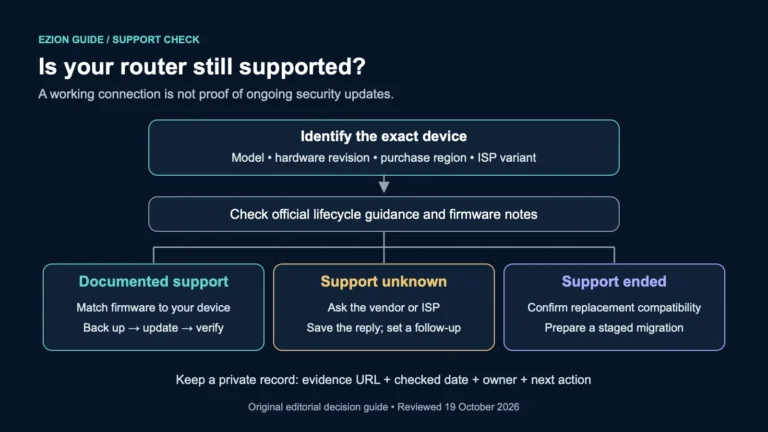
Check your router’s exact model, firmware and support status, then use a private worksheet and staged migration checklist to decide what to do next.
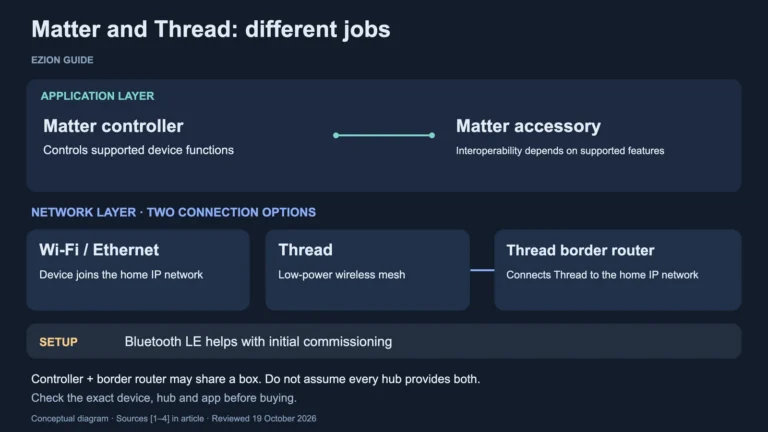
Match your next smart-home device to the right network, controller and app. Use a practical worksheet to check Matter, Thread and the features you need.
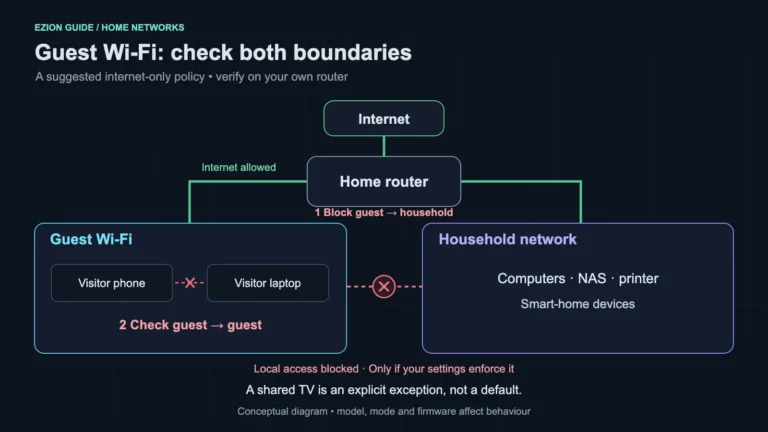
Set up Wi-Fi for visitors, then check access to household devices and other guests. Includes a practical test checklist and casting trade-offs.
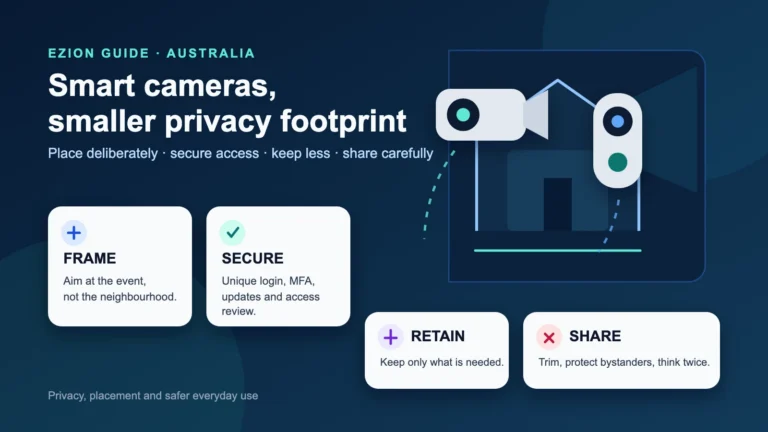
Choose, position and secure a home camera or video doorbell while limiting unnecessary recording, retention and sharing.
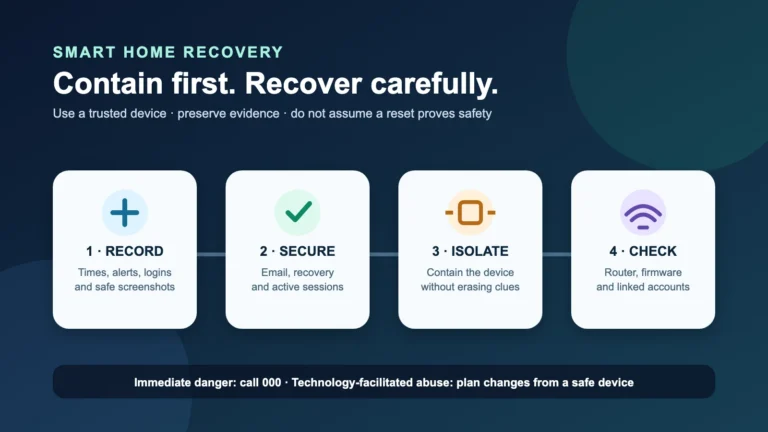
Recover a suspicious smart-home account or device: preserve evidence, secure control accounts, contain equipment, check the router and report safely.
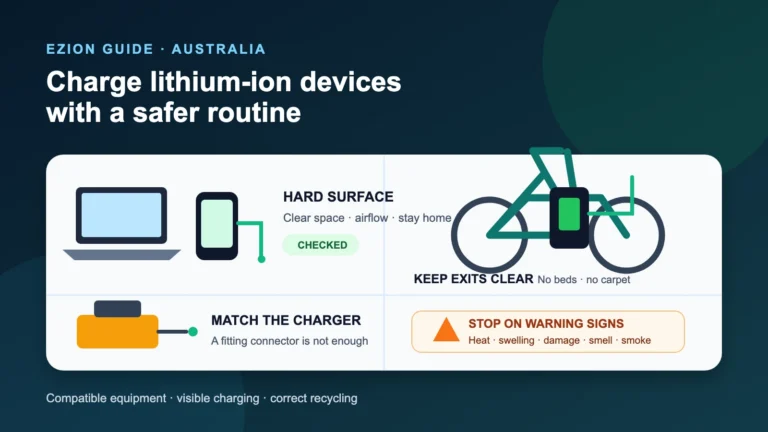
Charge household lithium-ion devices more safely: choose compatible equipment, set up a clear charging place, act on warning signs, and recycle correctly.
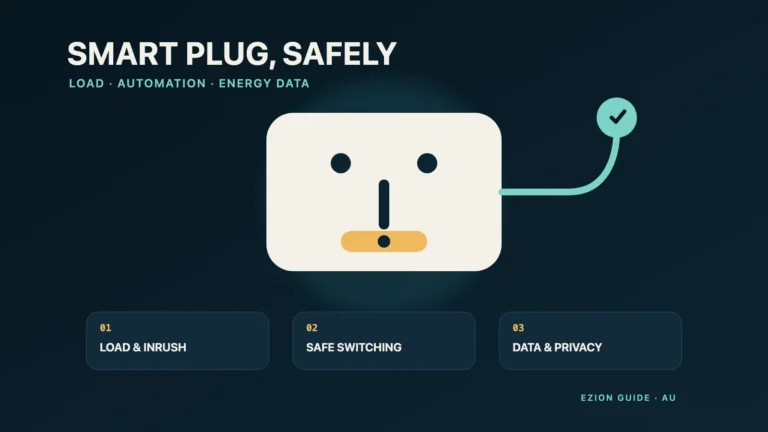
Choose a smart plug for its real load, safe switching behaviour, energy-monitor limits, security support and recall traceability.
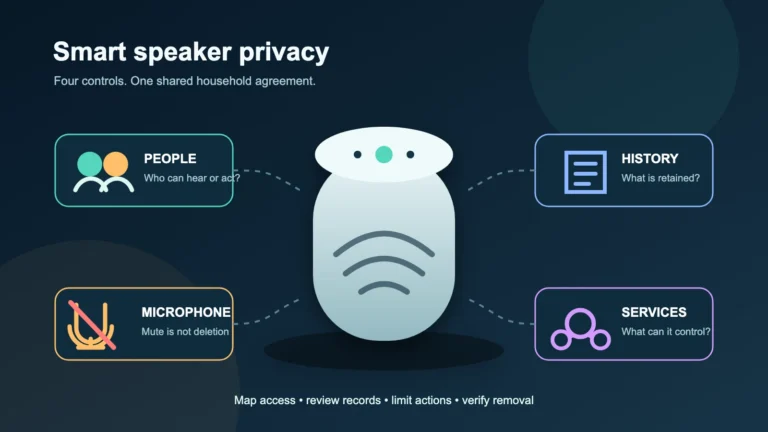
Audit voice history, household access, linked services and high-impact actions before trusting a shared smart speaker.
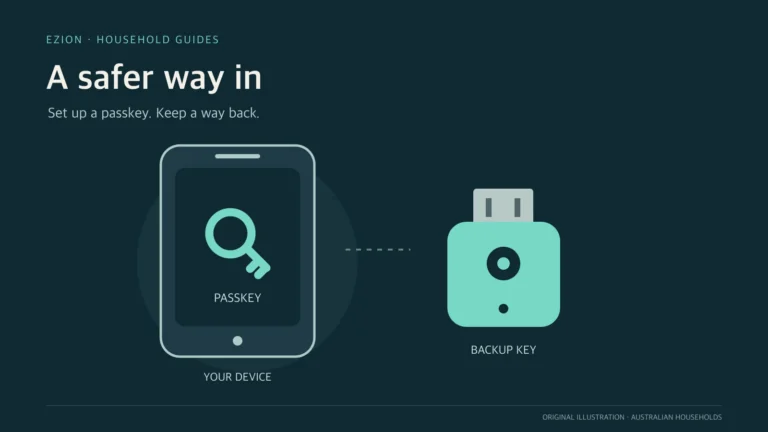
Understand where passkeys live, test a second sign-in route and prepare for a lost phone before changing account recovery settings.
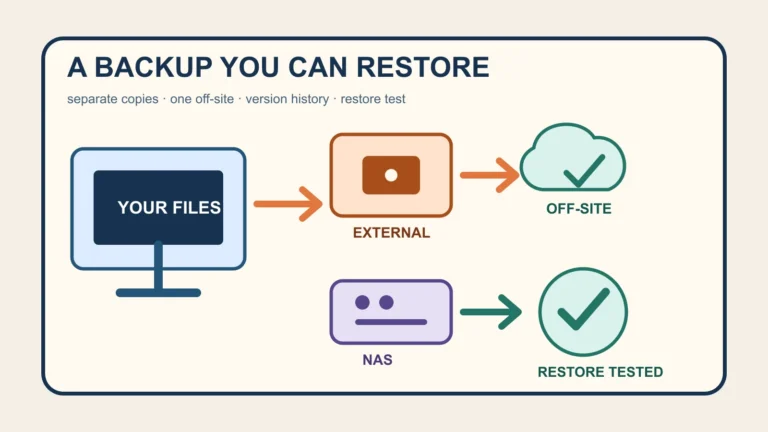
Build a recoverable home backup with cloud storage, an external drive or NAS, including offline copies, version history, encryption and restore tests.
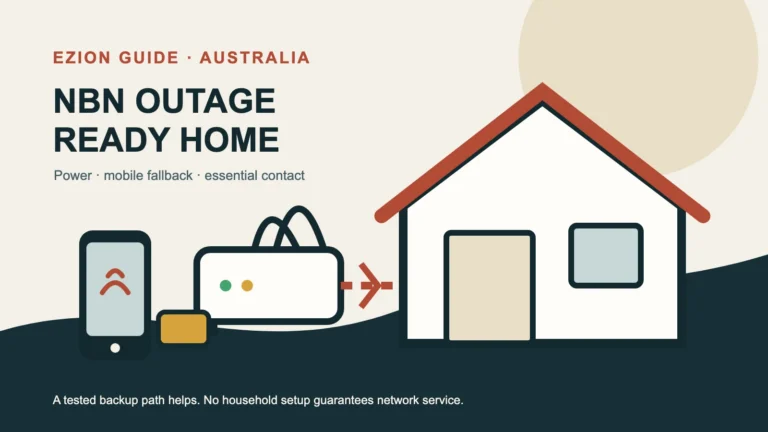
A practical Australian household plan for identifying an NBN, power, provider or Wi-Fi fault, switching to mobile data and protecting essential communications.
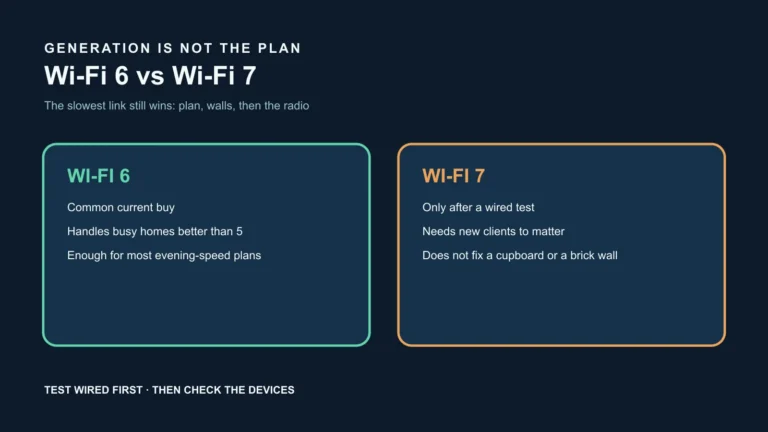
Use nbn’s generation table as a ceiling chart, then decide from a wired evening test and the devices you actually own.